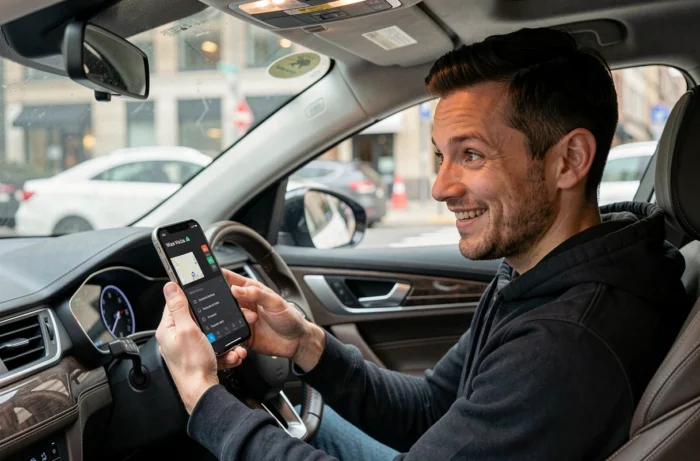
Activate a Darth Vader voice in Waze to be guided in French by the Sith Lord: the idea is appealing, but the technical reality has changed. The Star Wars voice packs offered by Waze were limited-time promotional operations, and none of them are currently in the app’s native catalog.
To obtain this type of voice guidance in 2026, one must resort to alternative methods, with results varying depending on the system used (iPhone, iPad, or Android).
Star Wars Voices in Waze: What Still Exists and What Has Disappeared
Waze has previously offered official Star Wars voices, including those of C-3PO and R2-D2, as part of promotional partnerships. These packs were only available for a defined period and have been removed from the standard catalog.
The “Darth Vader” voice itself has never been part of the official voices distributed by Waze. The tutorials circulating are either based on outdated screenshots or unofficial voice packs created by the community.
| Type of Voice | Availability in 2026 | French Language | Pronounces Street Names |
|---|---|---|---|
| Pre-recorded Voices (e.g., Morgan) | Yes, in Waze settings | Yes | No |
| Text-to-Speech Voice | Yes, via the phone’s TTS engine | Yes | Yes |
| Official Star Wars Voices (C-3PO, R2-D2) | No, removed from catalog | English only at the time | No |
| User-Recorded Custom Voice | Yes | At the user’s choice | No |
| AI-Generated Voice (FakeYou, etc.) | Yes, unofficial | French-speaking models available | No |
The table highlights a commonly overlooked point: pre-recorded and custom voices do not pronounce street names. Only the phone’s native text-to-speech allows for this, effectively excluding any fictional character voice for complete guidance.
For those looking to delve deeper into the subject and understand the different methods available, a dedicated guide on the Waze Darth Vader voice in French details each option with its limitations.
Create a Custom Darth Vader Voice in Waze: The Realistic Method
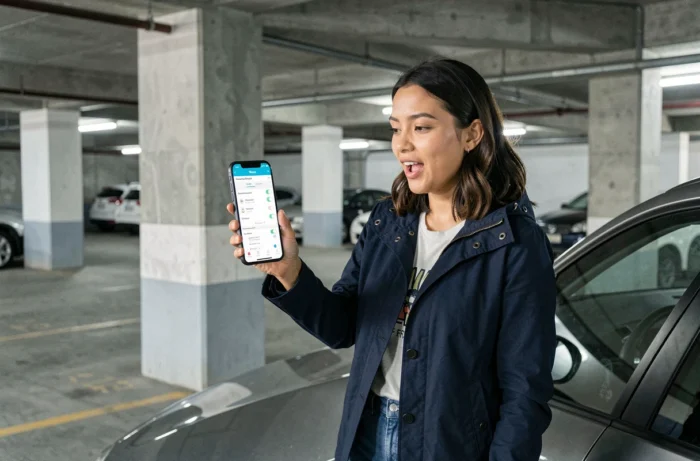
Waze includes a custom voice feature that allows users to record each navigation instruction themselves. This is currently the only native way to obtain Darth Vader-style guidance without using third-party tools.
The procedure goes through the Settings menu, then the Sounds and Voices section of the app. Waze allows you to record common instructions phrase by phrase: “Turn right,” “Make a U-turn,” “You have arrived.”
What the Feature Allows
- Record each instruction in your own voice, mimicking the deep tone and characteristic breathing of the character
- Name the voice pack (e.g., “Darth Vader FR”) and save it for permanent use
- Share the pack via a link with other Waze users, as demonstrated by the experience of the comedian Doully’s pack shared across several forums
The main limitation remains the quality of the output. A homemade voice imitation cannot compete with a professional pack, and the number of instructions to record requires a certain amount of patience. If an instruction is missing, Waze automatically switches to the last used text-to-speech voice, which can create quite jarring tonal shifts while driving.
AI Voice Generators: FakeYou and Alternatives for a Darth Vader Output in French
Platforms like FakeYou offer voice models imitating famous characters, including Darth Vader, with several French-speaking variants. The principle: you type the text of the instruction, and the tool generates an audio file with the character’s tone.
This approach raises two distinct questions.
Quality and Technical Integration
The generated audio files must be converted to the correct format and then manually imported into the Waze custom voice folder. On iPhone and iPad, this manipulation is more cumbersome than on Android due to file system access restrictions.
FakeYou specifies that its voices are community imitations, not officially licensed recordings. Quality varies significantly depending on the chosen model: some produce a convincing result, while others remain very artificial.
Rights and Use of Fictional Character Voices
Using a voice of a character protected by copyright (Darth Vader belongs to the Lucasfilm universe, owned by Disney) for strictly personal and non-commercial use does not pose a direct legal issue in practice. However, publicly sharing a voice pack imitating a licensed character exposes one to risks related to image rights and intellectual property, a subject on which several jurisdictions have recently tightened their framework.
Waze Audio Settings: Adjusting the Voice in French Before Any Customization
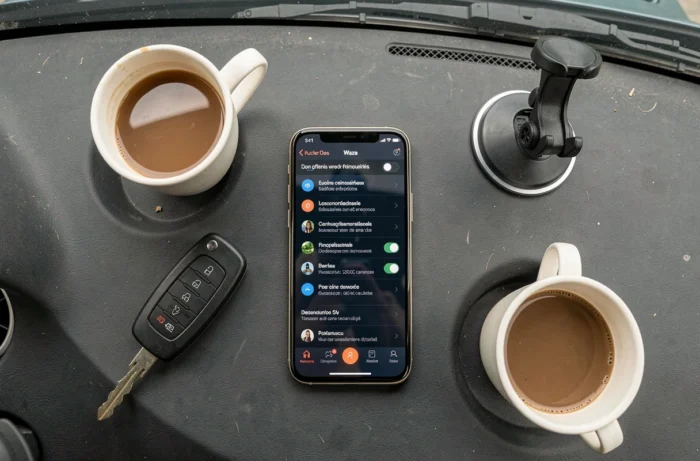
Before attempting a Darth Vader customization, a prior adjustment is necessary to ensure the consistency of the result. Waze uses the operating system’s text-to-speech (TTS) engine for instructions not covered by the custom voice.
If your iPhone or Android device is set to English, fallback instructions will be pronounced in English, even if your custom voice is in French. The setting to check is in the phone’s language settings, not just in Waze’s settings.
- Go to Waze settings, then to the Sounds and Voices section
- First select a French text-to-speech voice (like “Françaises” in the TTS voice list) to establish the fallback language
- Then return to your custom Darth Vader voice
- Ensure that the language of the Waze app itself is set to French in the general menu
This dual setting (French TTS voice + app in French) ensures that instructions not covered by your pack will be pronounced in French rather than in a random language.
The final result remains a compromise: some instructions in the Darth Vader voice alternate with phrases in standard text-to-speech. For fully coherent guidance, one would need to record or generate all possible instructions, which amounts to several dozen phrases. The most dedicated users typically spend one to two hours on this.